Most of the customers are started using ChatGPT and Gemini before they open Google. So to see how your business shows up to them, you need to do your own research. You can see exactly what those tools say about your business in about 10 minutes, and you don’t need a subscription to find out.
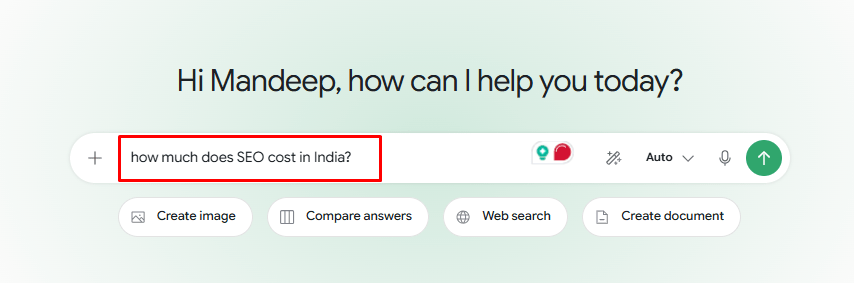
Open ChatGPT or Gemini, whichever one you use. Ask it the same thing your customers would ask, like “how much does SEO cost in India?”
Now look at the results:
- Is your business in there?
- Is your phone number right?
- Does it hand the job to a competitor?
Now, ask the same question a few more times. You’ll often see different answers each time. That’s how AI tools work. Ask ChatGPT twice in the next 30 minutes and you’ll still get two different answers.
That’s how these tools work, and it’s the reason the visibility score you’re paying for tells you far less than you think.
That’s the problem with paying for an AI visibility score. These tools can’t see what they claim to see either. Google has never published how sources get picked for AI Overviews or AI Mode.
So forget the score. Do the research yourself every week and write down which businesses keep showing up.
If your business only appears occasionally, it’s time to boost your visibility!
Here’s what to track instead.
Start from Buyer Intent, Not Keywords
How do you know if you are testing the right prompts? Leave the keywords for Google organic searches. Search like “plumber Sydney” or “pest control cost”, feel important but nobody talks to AI that way.
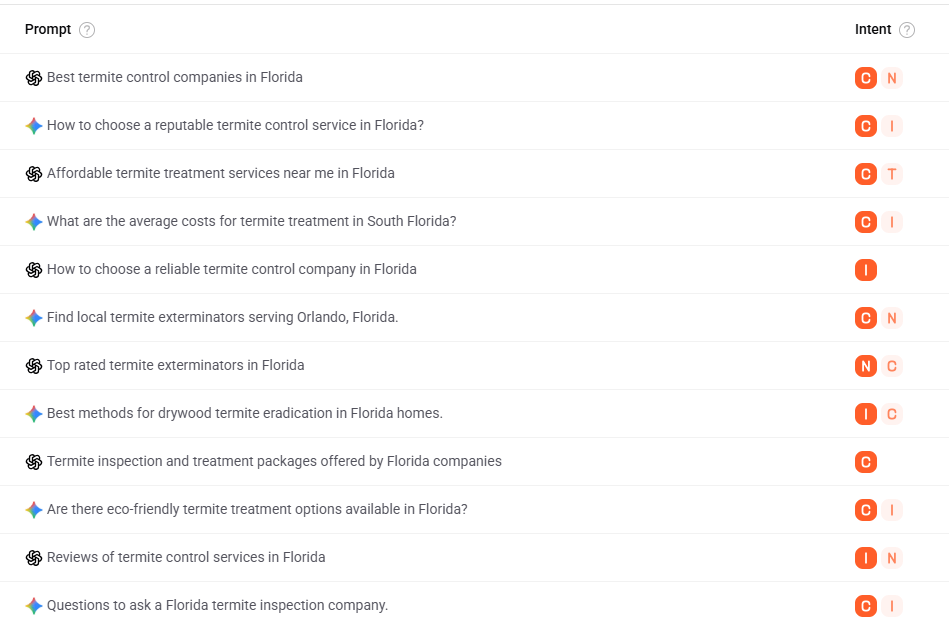
AI search is different, as your real customers ask for solutions and talk to them. They give context, a budget, a deadline, a constraint, and then ask for a recommendation. So list down 30 to 50 prompts based on the real decisions your customers can ask or also cover the problems.
Then pick the top 10 prompts closest to where your business actually serves or solve problems.
That shorter list is what you’ll run every week and month, so it needs to stay fixed once you’ve chosen it.
Here are common search sanrio.
What they want | Keyword Research | What they actually ask AI |
Something’s wrong | termite control Florida | “I found termite wings by a window in Tampa. Which companies do inspection and treatment?” |
Local and urgent | plumber Sydney | “Which emergency plumber near Parramatta handles burst pipes after 10 pm?” |
Comparing options | ecommerce platform UK | “Compare three ecommerce platforms for a UK brand with 5,000 products and trade pricing.” |
The right fit | SEO agency Chandigarh | “Which Chandigarh or Mohali SEO agency works with local service businesses and overseas clients?” |
Checking a brand | Brand X reviews | “What do buyers complain about with Brand X, and what are the better alternatives?” |
Price | pest control cost | “What should termite treatment cost for a three-bedroom home? What should I compare between quotes?” |
Testing Prompts? Don’t Waste Your Time Without These Controls
Stop wasting time and test your prompts systematically for consistency & accuracy. Because AI “remembers” you and knows where you’re sitting, two people can run the exact same prompt and get completely different results.
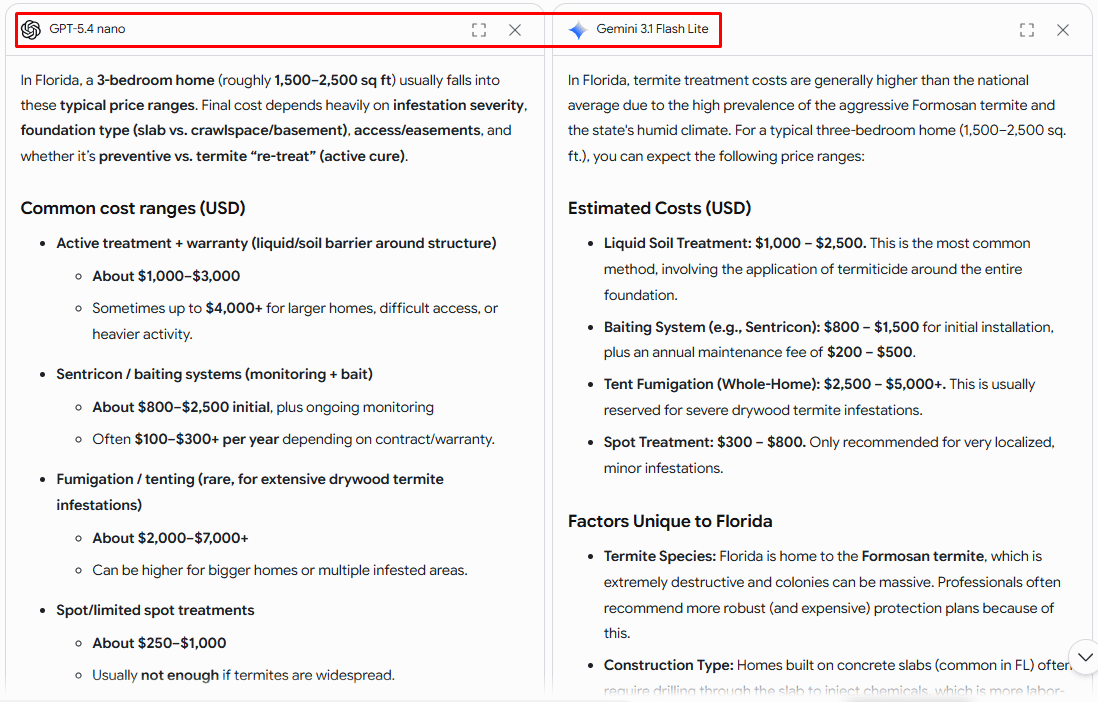
Here is how to Conduct the Test so the results will accurate:
- Start a fresh chat for every prompt, with memory and personalization switched off.
- Log out or use a private window, so old conversations don’t feed the answer.
- Run each prompt five times and record every result, not just the best one.
- Note the assistant, the model version, and the date beside each run.
- Keep your location setting identical each month, since local answers move with it.
The Six Numbers You Should Track First
Before you start tracking the data, you need a baseline report of your website AI visibility. Run full prompt set for your own business first and then run the exact same list for your closest competitor. The gap between the two sets of answers is where the useful stuff is.
What to count | How to work it out | What it tells you |
Mentions | How many answers named your business? | Whether AI knows you exist |
Recommendations | How many told the customer to use you? | Whether AI treats you as a real option |
Links to your site | How many linked to one of your own pages? | Whether your website shaped the answer |
Share against rivals | Your mentions next to your five main competitors | Whether you’re losing ground to someone specific |
Wrong facts | How many got something wrong about your business? | Whether AI is costing you jobs |
Enquiries from AI | Ask every new enquiry how they found you | Whether any of this makes money |
Did you know final answer can get mixed up all the above?
Yes,
- A mention is AI saying brand name
- A link is AI pointing to a page on site.
- A recommendation is AI telling the customer to choose.
- An enquiry is someone actually getting lead.
AI can link to your blog post and recommend your competitor in the same answer. You got the link but they got the customer. This happens a lot.
A tool that counts links will mark that month down as a win for you. That’s how a business ends up paying for a graph that keeps going up. But actually your competitors are winning.
Find Out Why Your Competitors Got Picked and You Didn’t
As we said above, getting mentioned isn’t the same as getting picked. You need to figure out what your customers are doing, their SEO team strategies, content building, etc., to compete with all of them to be cited and mentioned. Speak to your customers.
To identify competitive strategies, you need two sets of prompts as follows:
The first set is what your customers ask. Leave your own business name out of these.
- “Who’s the best [service] near [suburb or city]?”
- “I need [service] tonight in [city]. Who can help?”
- “Compare the top [service] companies in [city] on price and how fast they work.”
The second set names you directly. This set catches problems the first one will never show you.
- “What does [your business] charge for [your main service]?”
- “Which areas does [your business] cover, and what are the hours?”
- “Does [your business] do [a service you don’t offer]?”
- “Is [your business] still open, and what number should I call?”
Run both sets for your closest competitor too.
When their name comes up, and yours doesn’t, read what AI says about them. Then read what it says about you.
Here are the most common 4 reasons why AI picks them over you:
Your business details don’t match everywhere.
Struggling to get your Brand cited? The first reason could be a mismatch of your business name, address, or phone number and other details on the website, social profiles, and listings. AI reads them carefully; if your details are inconsistent but competitors’ are well organized, then business goes to them.
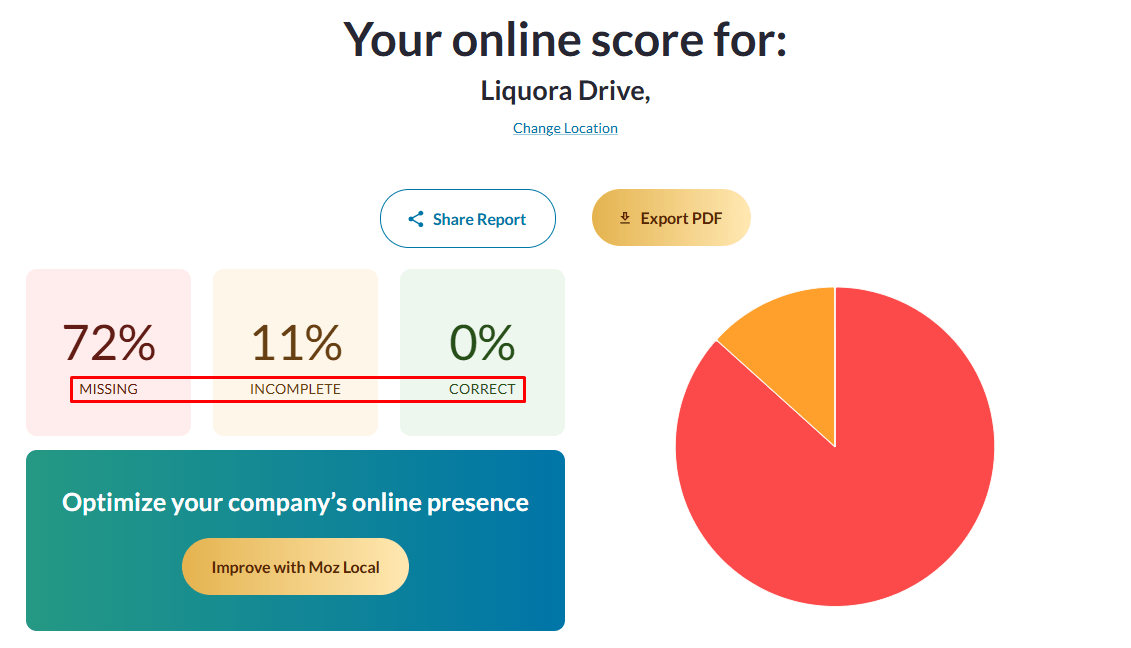
Pick one exact format for your name, address, and phone number, then correct it everywhere you appear. Start with Google Business Profile, Apple Business Connect, and Bing Places, then go through the two or three competitor’s listings that already rank for your service.
Your answers are buried.
How does AI actually find its answers? AI wants a short, direct answer it can lift off the page. It’s a set of rules that can bring your website under an AI answer box, like having clear headings with the answer near the top, clear entities, a defined page, etc.
Give every common question its own heading, then answer it in the first two sentences underneath.
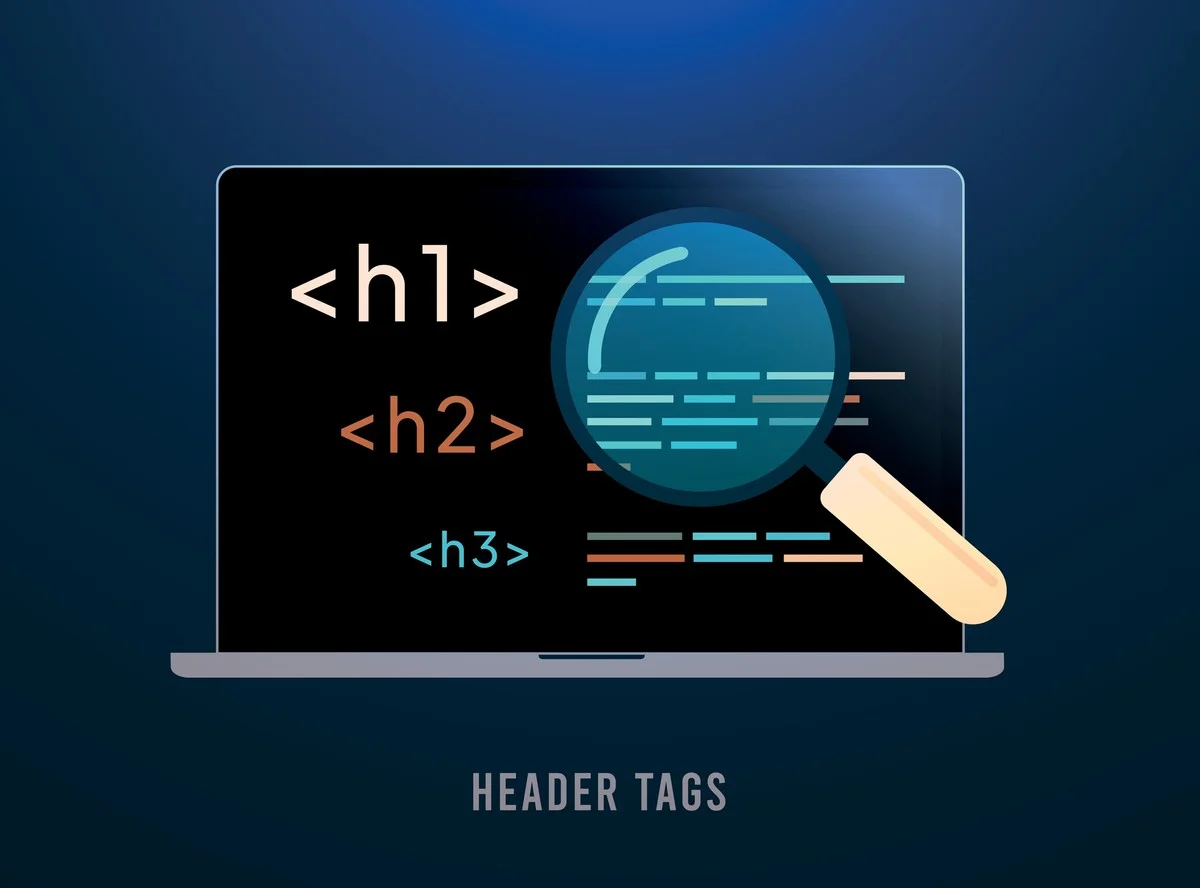
Your competitor has clear headings with the answer near the top. If your price or your service area sits halfway down a long paragraph, AI often skips it.
Nobody else is talking about you.
What people say about you matters a lot to AI, so always read your reviews and news mentions. Don’t self-promote by saying “We’re the best”; let customers do it.
AI can’t read your site at all.
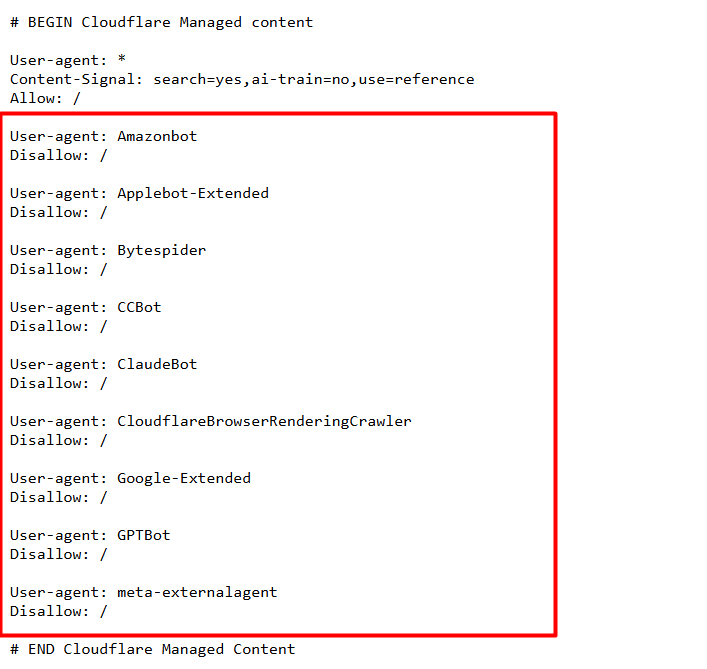
Some websites block AI bots, so if yours does, you’re invisible no matter how good the site is. The same goes if you rank badly on Bing, since Microsoft’s AI tools pull from it.
Turn On Google’s Own AI Reports
Two changes in 2026 gave you real data for free, and both come with limits worth knowing before you build a report around them.
Search Console added a Generative AI performance report on 3 June 2026. It shows how often your pages appeared inside AI Overviews and AI Mode, broken down by page, country and device. Appearances only, with no clicks, no click-through rate and no search terms.
The data starts from 18 May 2026 with nothing before that date, and it began rolling out to a subset of sites in the UK, so there is a fair chance you do not have it yet.
GA4 added an AI Assistant channel on 13 May 2026, which reached most accounts in early June. It sorts visits from recognised assistants into their own row with no setup needed.
Keep Focus on Ongoing SEO work
Google’s guidance for AI features says the SEO basics still apply, so it’s just clearly that the fixing the website issues, building business listings and technical health are what you put in and the AI answer is what comes out.
Keep measuring both.
Want us to run the 30-prompt test on your business and show you what the assistants are saying? Book a free AI visibility check and we will send you the answers, the errors and a fix list.

Mandeep Singh is a Digital Marketing consultant at Strivers Edge, renowned for driving first-page Google rankings for businesses in competitive industries. With more than 10 years in the industry, he specializes in digital and content marketing.